Top-tier AI results.
A fraction of the cost.

frugalitiAI routes every request to the best value model that can competently do the job — automatically. You get the quality; you skip the bill.

Download Create account $1 free credit on sign-up · Windows ready, macOS soon
Your task smart router $Haiku $$Sonnet ✓ $$$Opus $$$$Fable
Each request goes to the cheapest model likely to handle it well — and escalates automatically if it doesn't. You never pick a model.

How it works

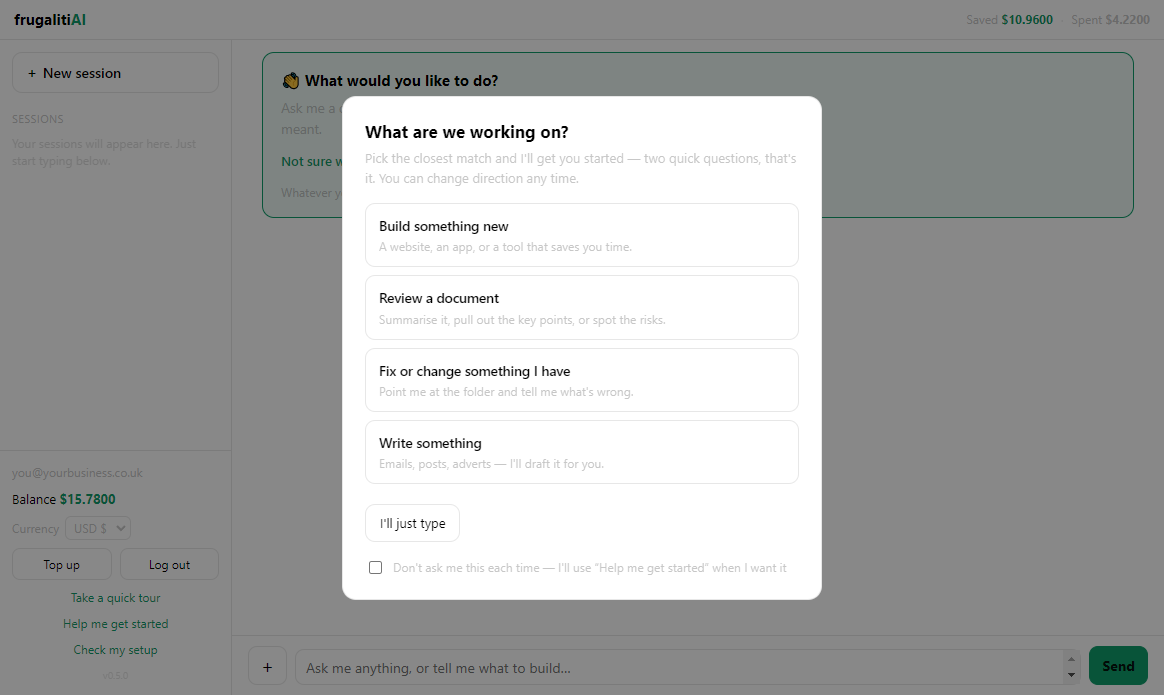
No settings, no model menus. Three steps and you're running.

1

Download & sign in

Install the app and sign in. You start with $1 of free credit — no card, no subscription.

2

Just type it

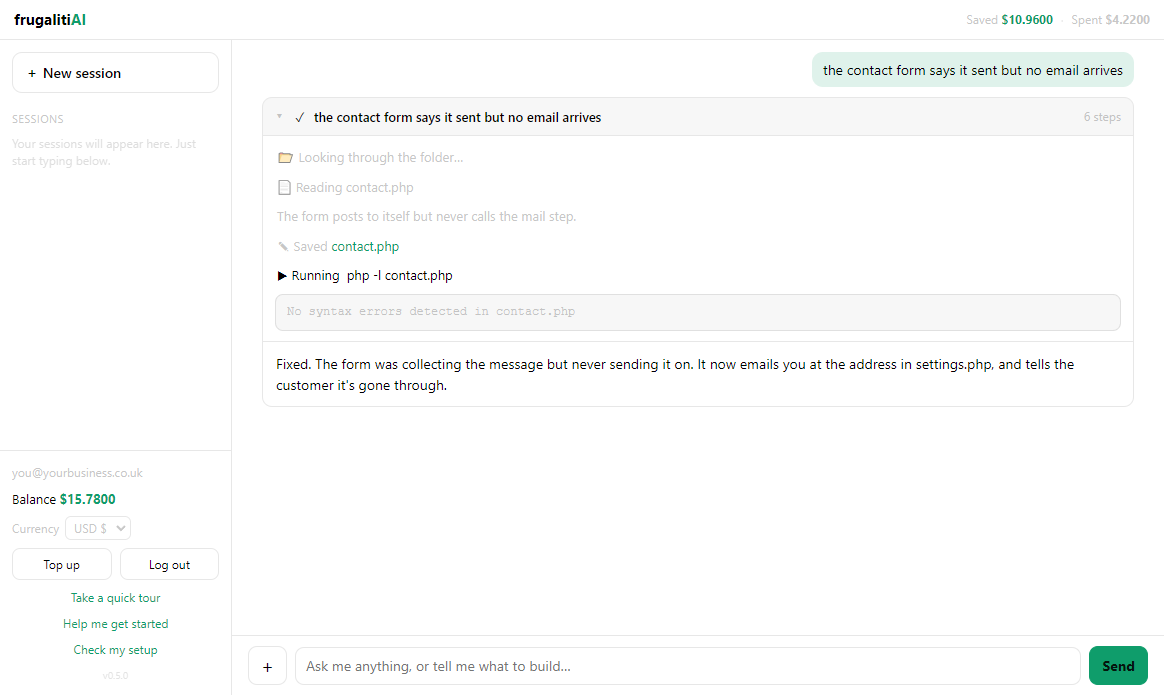
One box, plain English. It answers you, or opens the folder you chose and does the work. You never pick which.

3

We route it

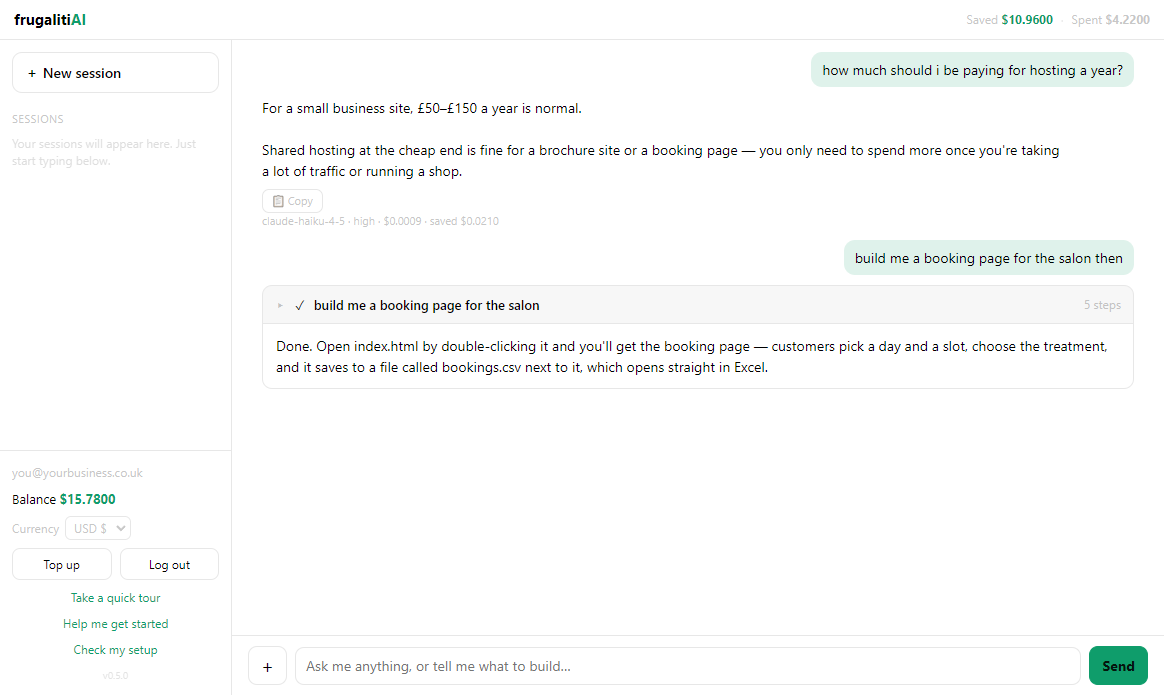
A smart manager sends each task to the cheapest capable model and shows you the exact cost.

Why it's different

The savings layer you'd otherwise spend months building yourself.

No model-picking

You never decide "should I use the cheap one for this?" frugalitiAI decides per task — and when a cheap model isn't up to it, it escalates on its own.

See every cost

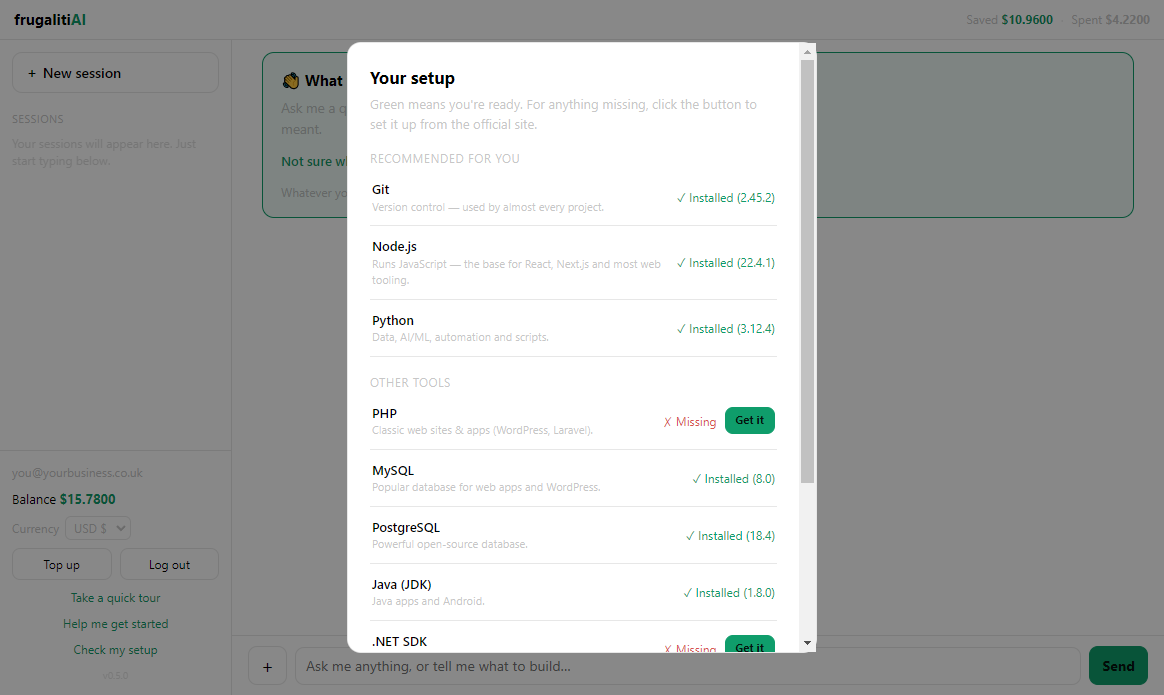
A live balance and a per-task cost on every reply. No surprise invoices, ever.

Just one box

There's one conversation. Say what you want: it answers, or opens the folder you picked to look, or does the work — and asks before changing anything.

Runs on your machine

The work happens on your own computer; only the message to the model leaves it. And when it's only looking, it cannot change a single file.

How the savings work

Running everything on top models means paying top prices for tasks a cheaper model handles just as well. frugalitiAI pays top-model prices only where they're actually needed — typically 40–75% less than an all-top-model setup, because the top models are still there for the work that genuinely needs them. If a cheap model isn't up to a task, it escalates on its own — no intervention required.

Download frugalitiAI

Create an account, get $1 of free credit, install the app, and start saving.

Windows
10 / 11 · 64-bit
Download .exe
Version 0.5.3
macOS
Apple Silicon (M1/M2/M3+) · macOS 11+
Download .dmg
Version 0.5.3 · Apple Silicon

This is an early beta. The macOS build is signed and notarized by Apple. The Windows installer isn't code-signed yet, so Windows may show a SmartScreen warning — choose "More info → Run anyway." Install on the drive with the most free space — projects can get large and the install location can't be moved later, so the installer recommends your biggest drive on the install screen.